Brief
Cultural institutions update their public brand but keep the back office on administrative software that is decades old. The box office runs on it, and staff click through dense relational screens to find a single number. Applications and grants are tracked separately in Submittable, and reports are put together by hand. Members see none of this, only the tickets and emails that come out of it. Maestro does not replace the box office system. It reads from it, writes back to it, and gives staff one screen.
Approach
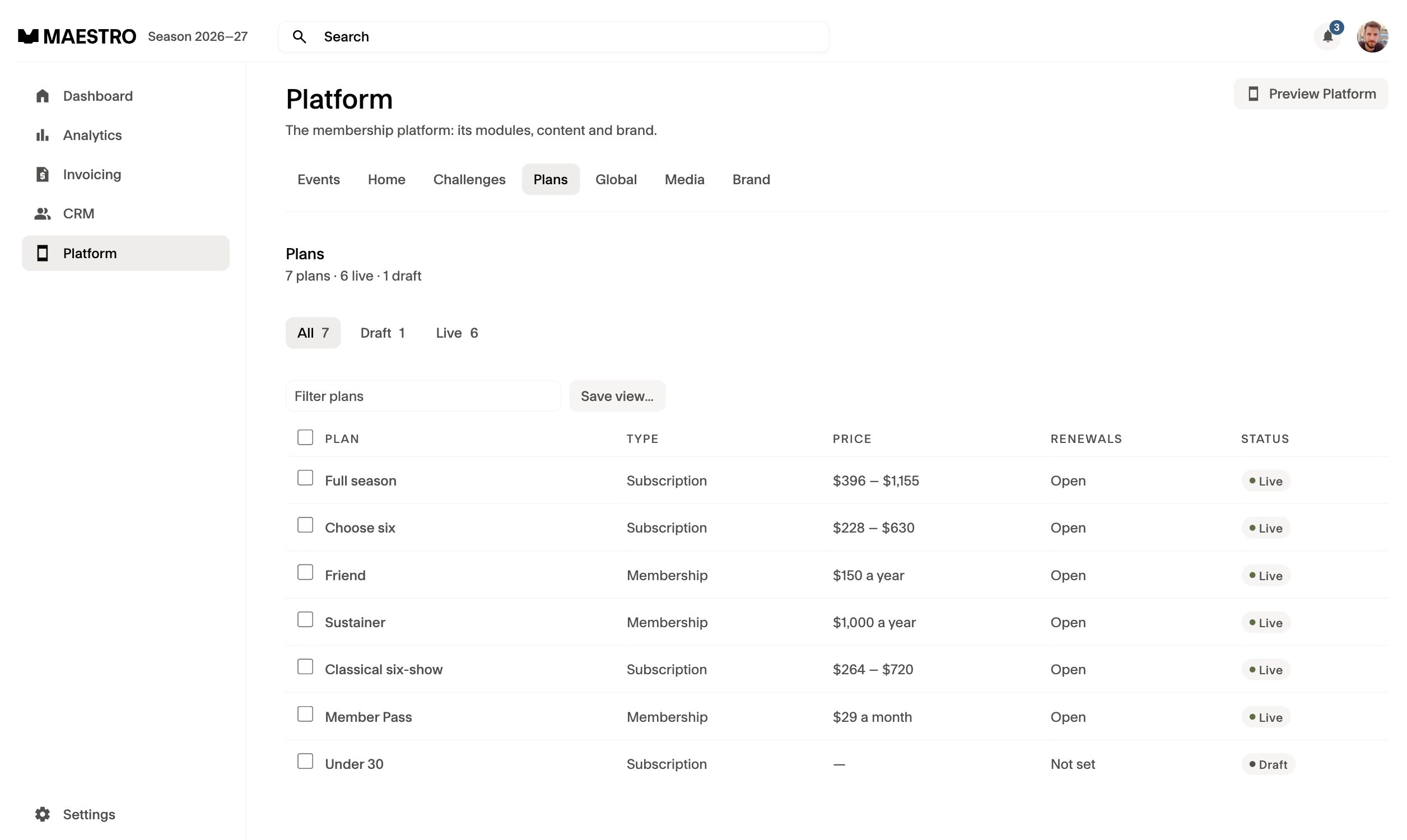
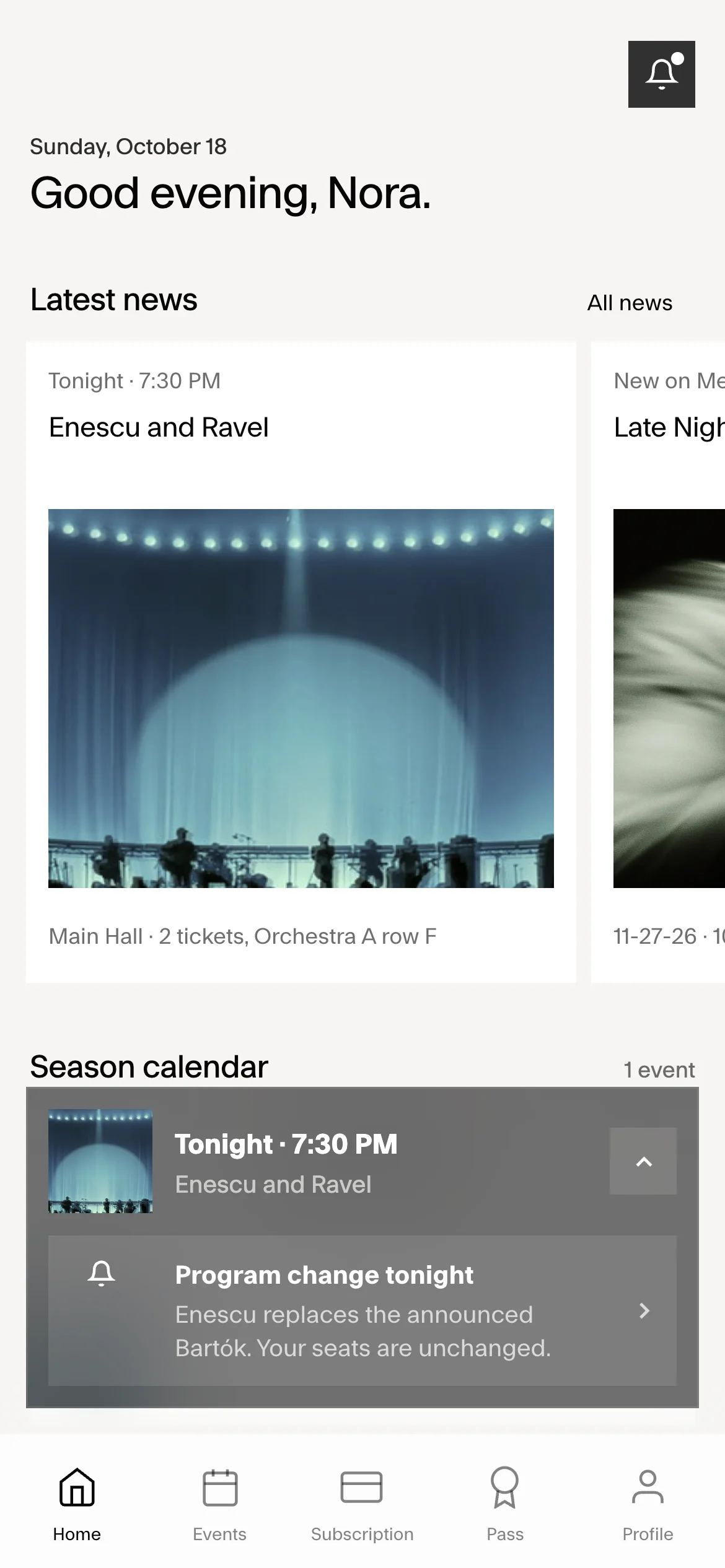
Studio Artifice worked with Fictive Kin. The benchmark was a startup finance stack, Mercury and Ramp, rather than other arts software. Both prototypes were built against one set of records, so what staff change shows up on the member's phone: a plan edited in Platform, a member's standing in the CRM, a program change on the night of a concert.
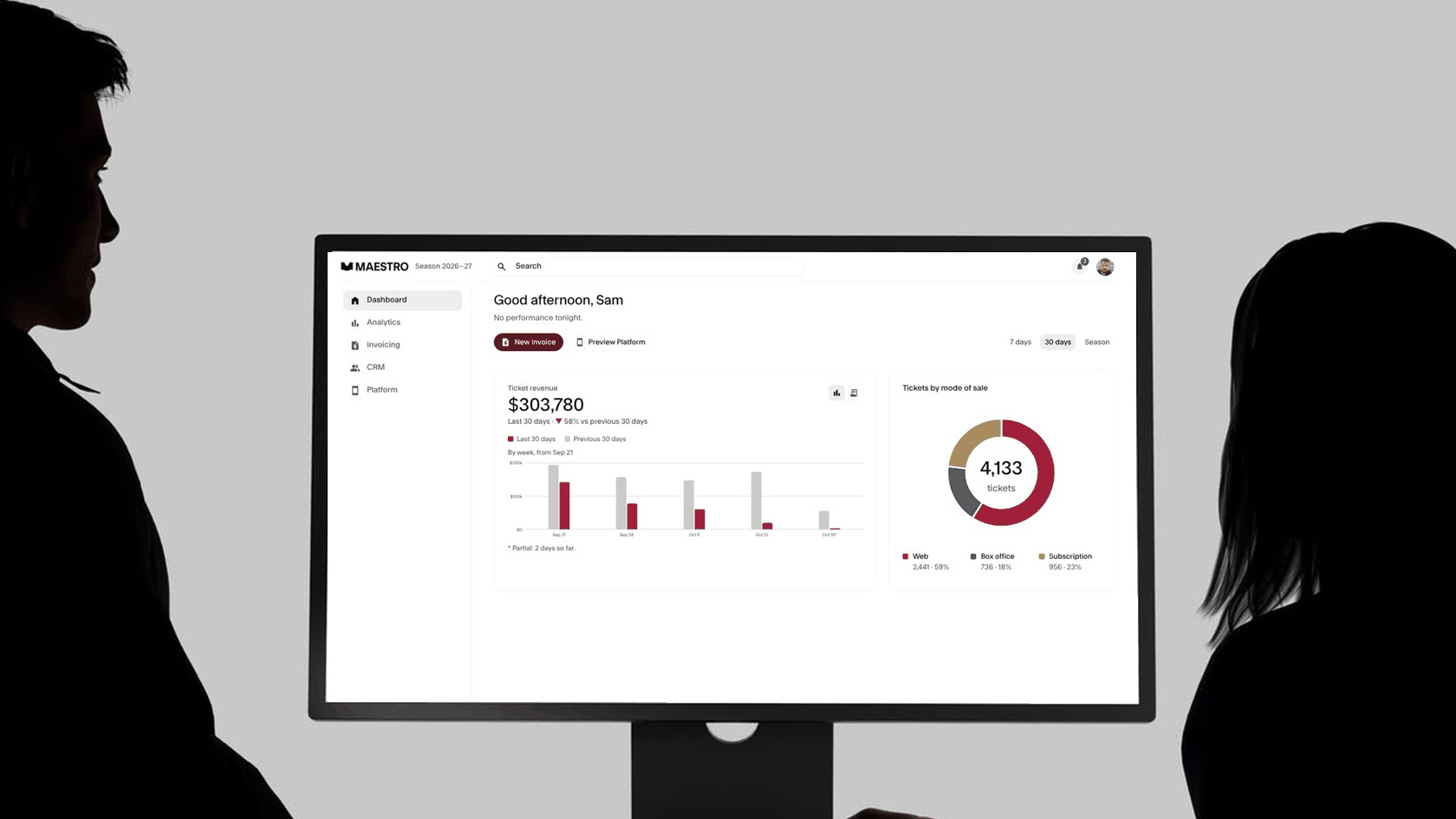
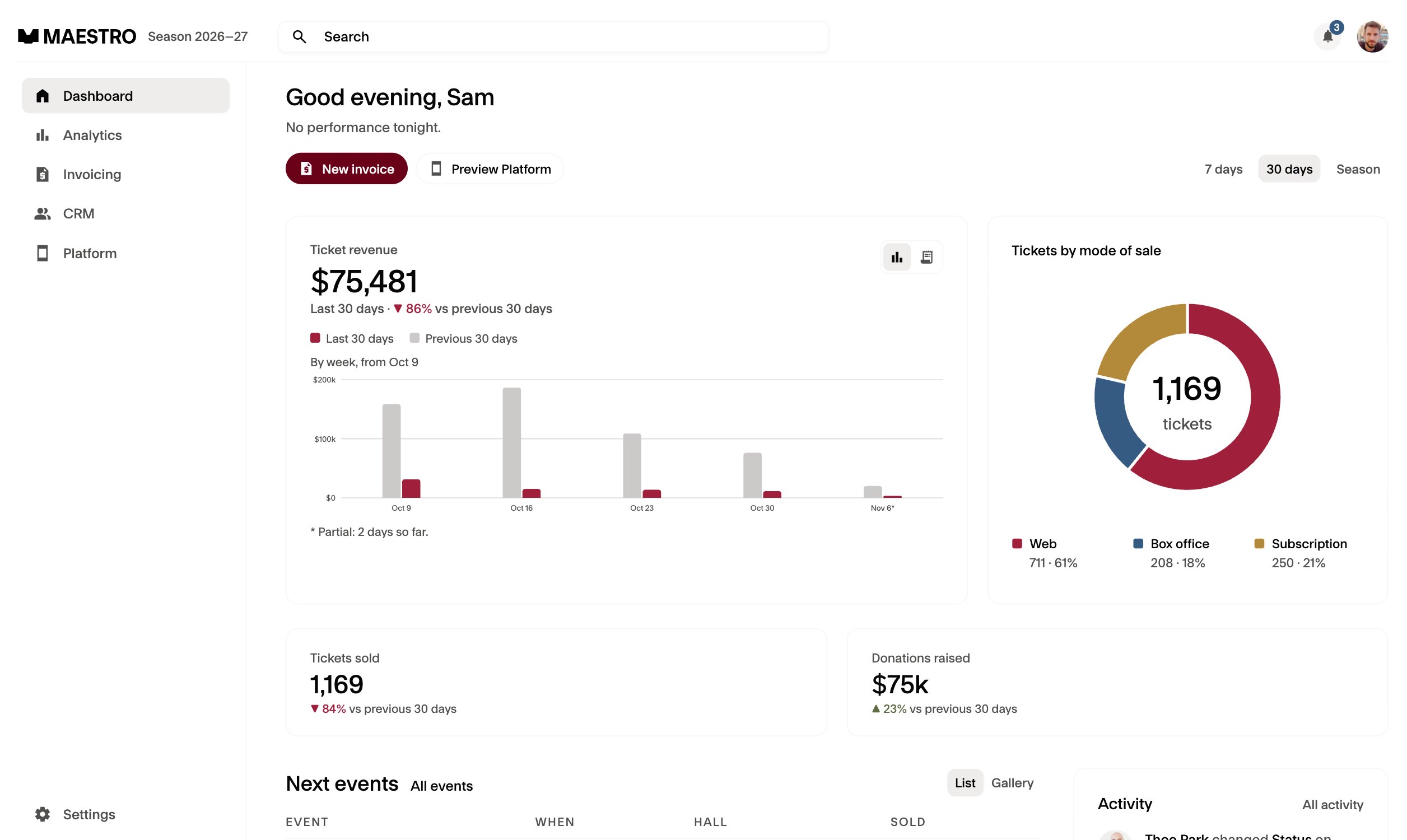
Mercury's balance against the last 30 days became ticket revenue against the prior 30, and its actions under the greeting became New invoice and Preview Platform. Ramp's spent, committed and remaining became the stat tiles, and its per-line status became Draft, Overdue, Paid and Void on each invoice.
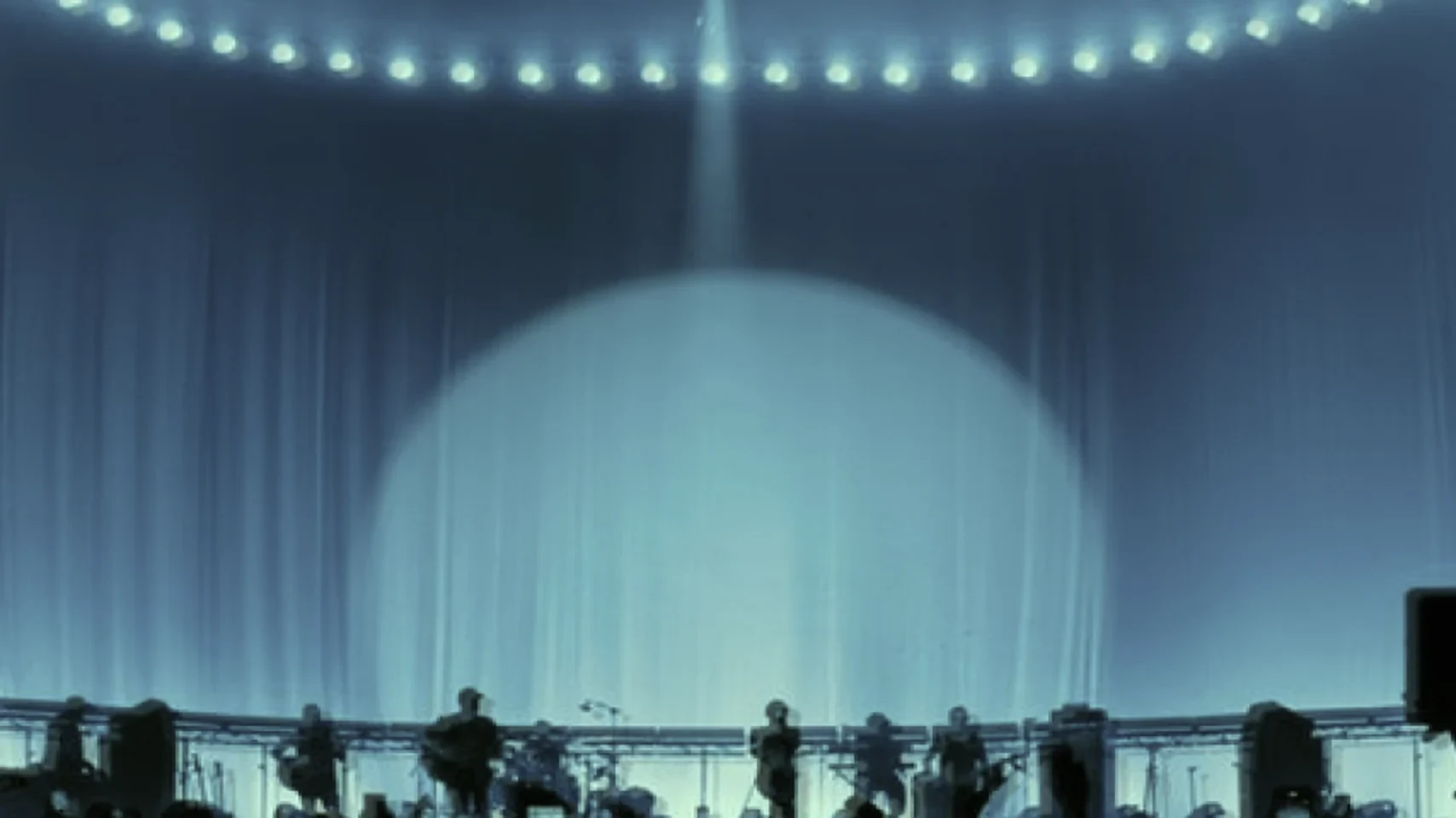
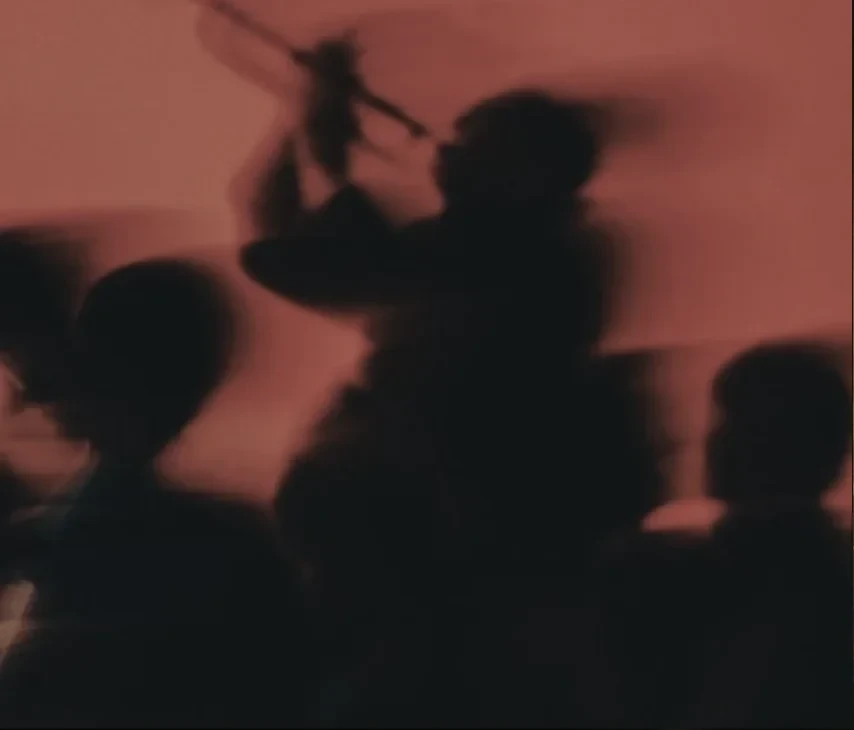
The identity is neo-brutalist: a strict grid, heavy rules and labels that name what each screen does. The symbol is one artwork of eight paths with no live text, white on off-black or black on white, and the graphics are drawn from seat maps. Maestro Red and Maestro Blue sit on white, off-black and five grays. Type is FT System in three weights: Semibold for titles, Medium for controls, Regular for body. Photography is live performance at long exposure, a bow mid-stroke or an audience moving under stage light, and none of it is posed.
Each change to the prototype goes first to a lab branch behind a password shared with the client, where it is reviewed. It carries a revision number, who made it, when, and the lines it changed. Only changes that pass review in lab are promoted to the public prototype, which is at revision 216.
Outcome
Brand Guidelines 1.0, a marketing website, a dashboard for staff and an app for members.
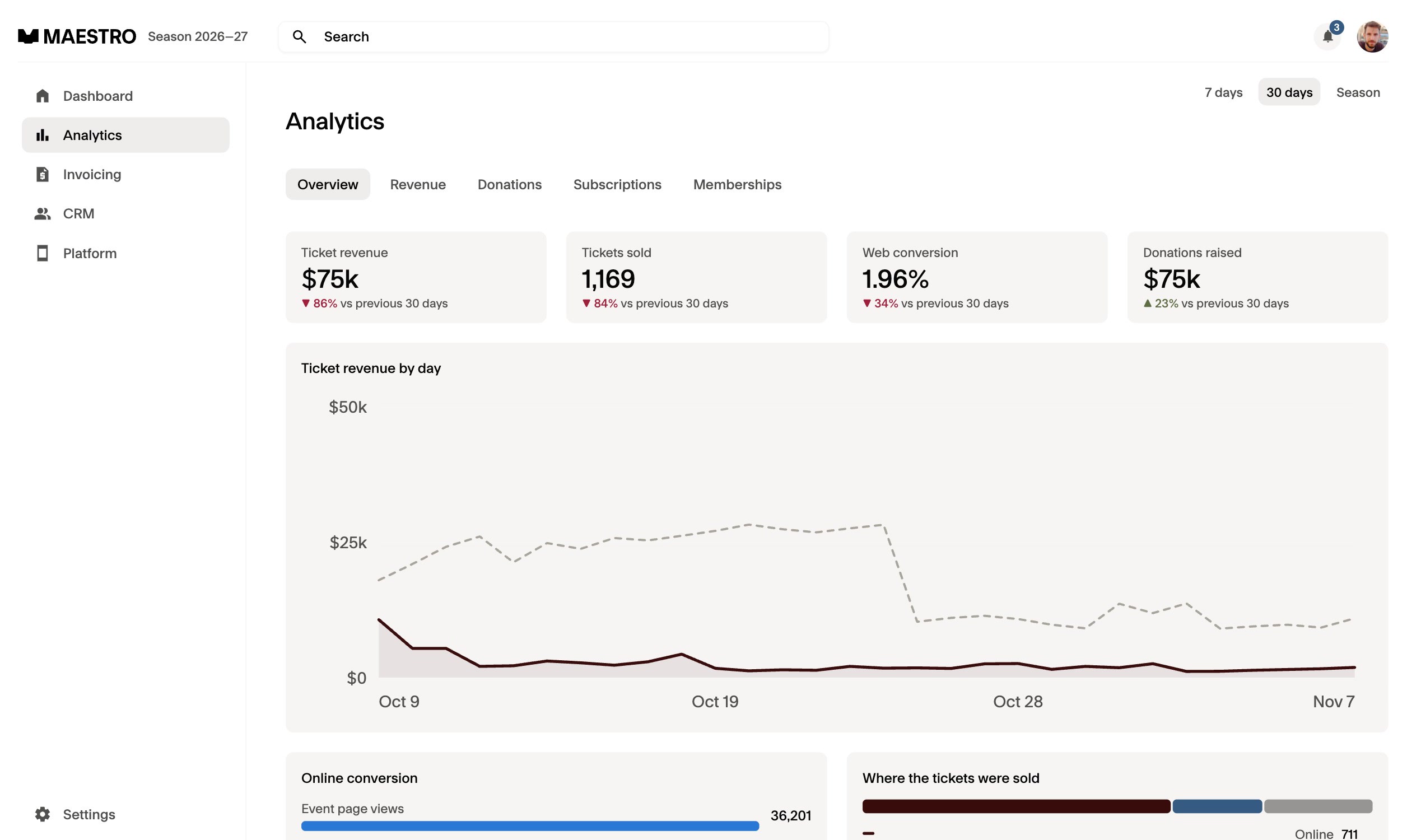
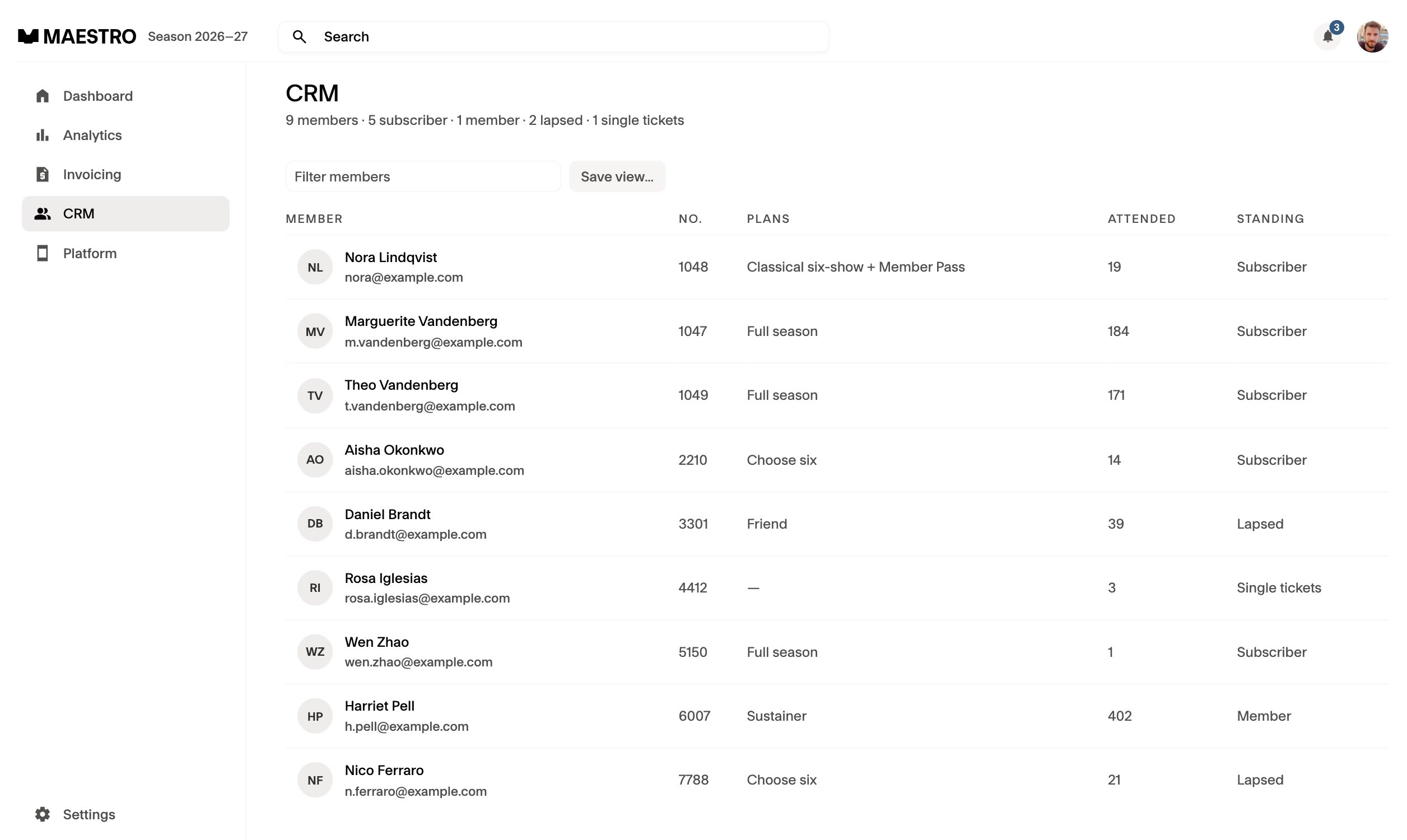
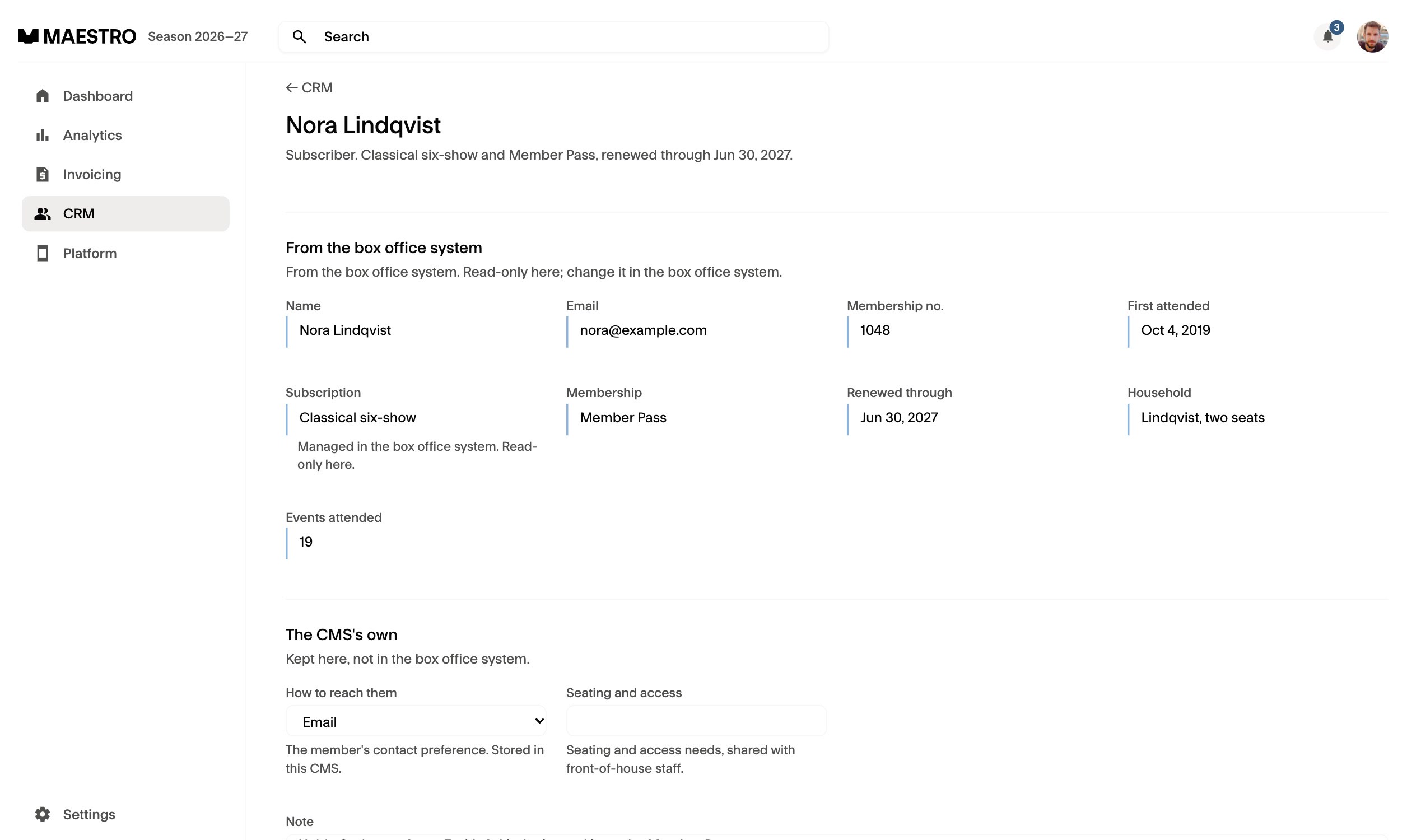
The dashboard opens on the active season. Ticket revenue leads against the prior 30 days, with tickets sold, donations and conversion below it. Analytics compares 7 days, 30 days and the season with the period before. Platform holds the plans members buy. The CRM puts every member on one line with plan, attendance and standing, and a member record shows the fields read from the box office system above the dashboard's own.
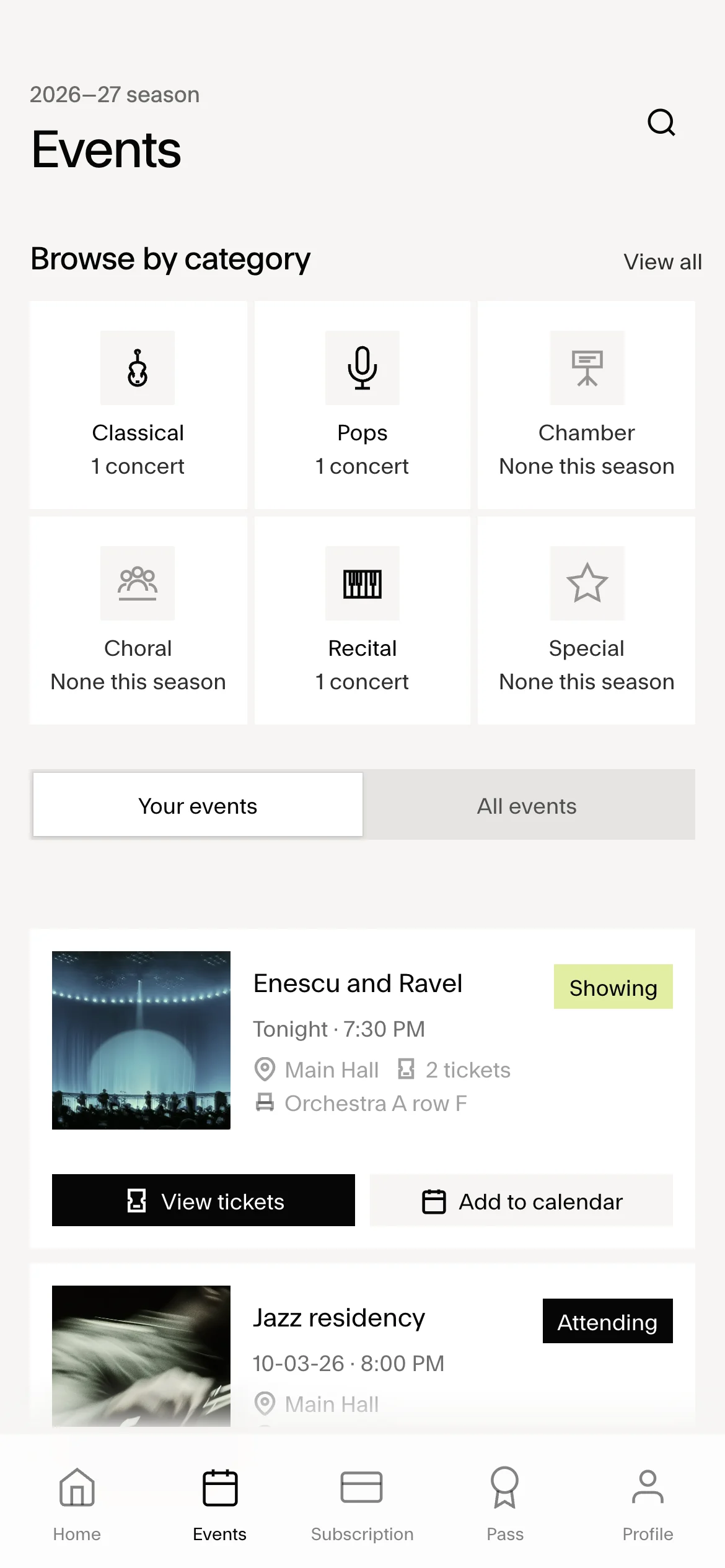
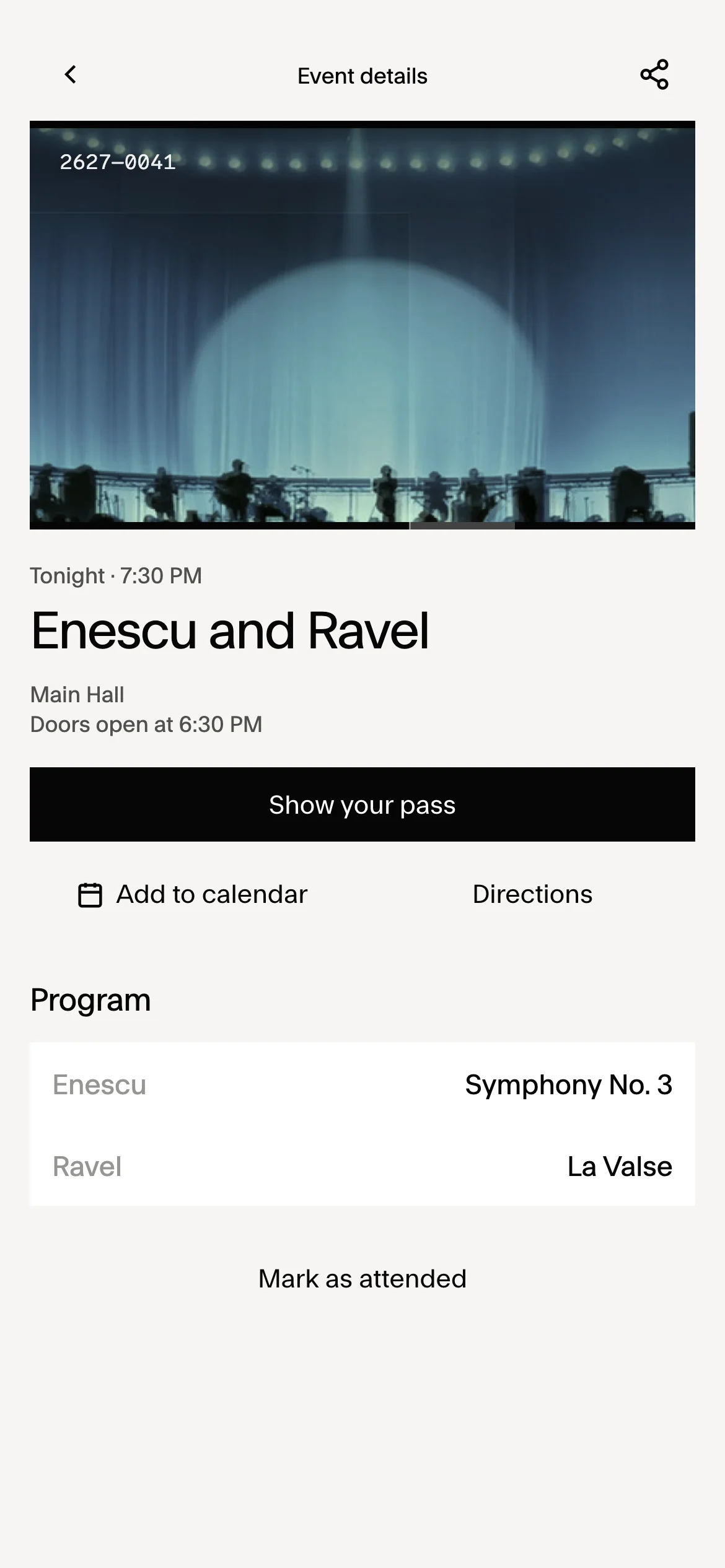
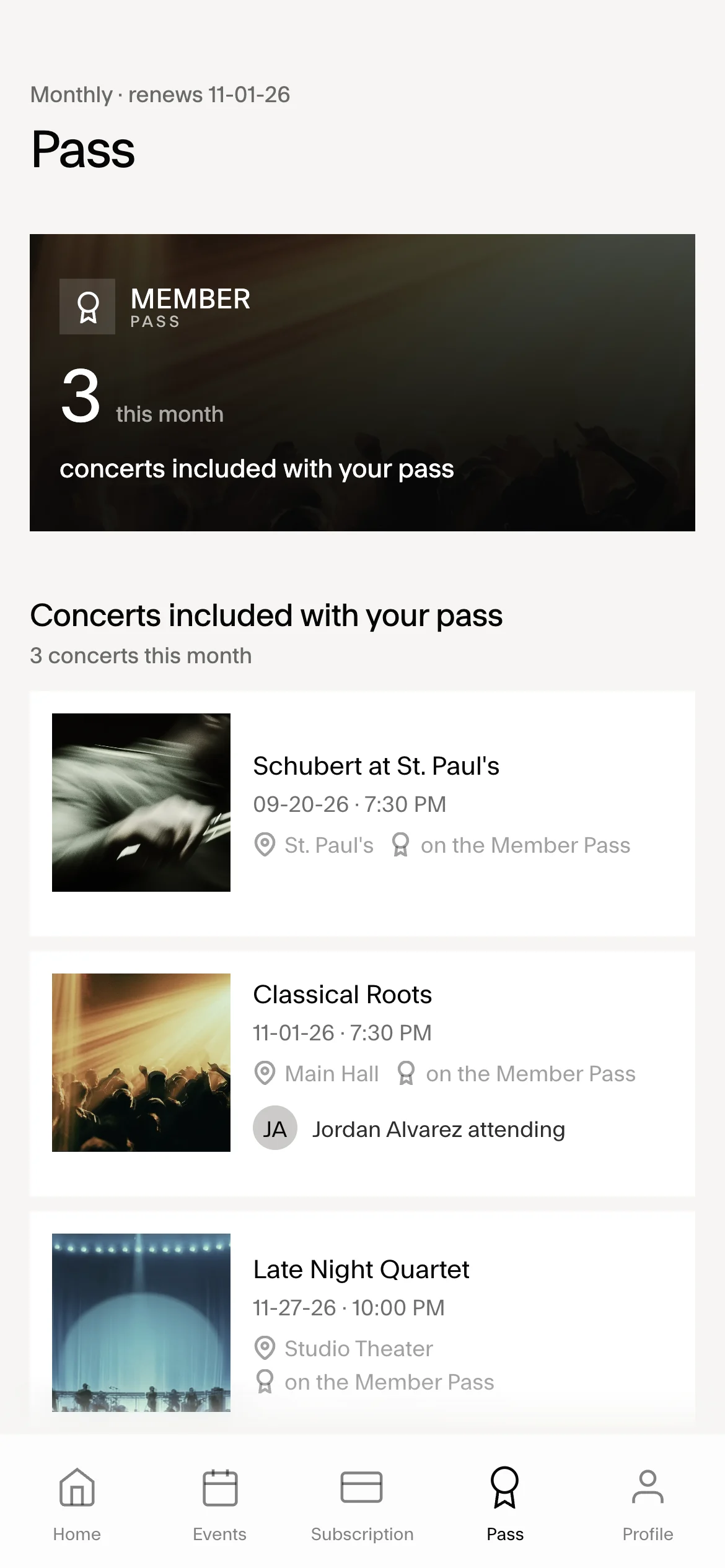
The member app follows a concert night. Tonight's performance stays pinned above the tab bar on Home. A program change arrives with a note that the member's seats are unchanged. The pass is one tap away at the door, the event carries directions and Add to calendar, and Mark as attended records the visit. Press P in the dashboard and the app opens beside it, so staff see what a member sees.